If you have created your templates and want to add them to the workflows, what you need to do is first save them as templates.
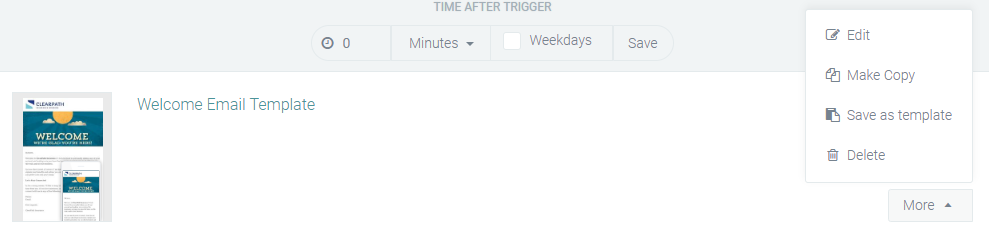
- Click on the More button on the right side of your email
- Click Save as Template
- Click on the workflow in which you want to insert your email
- Click the Add Email button at the top right
- Choose your template and click Select
Now you can start editing your template just like any other email