Importing custom lists can be done in a few steps:
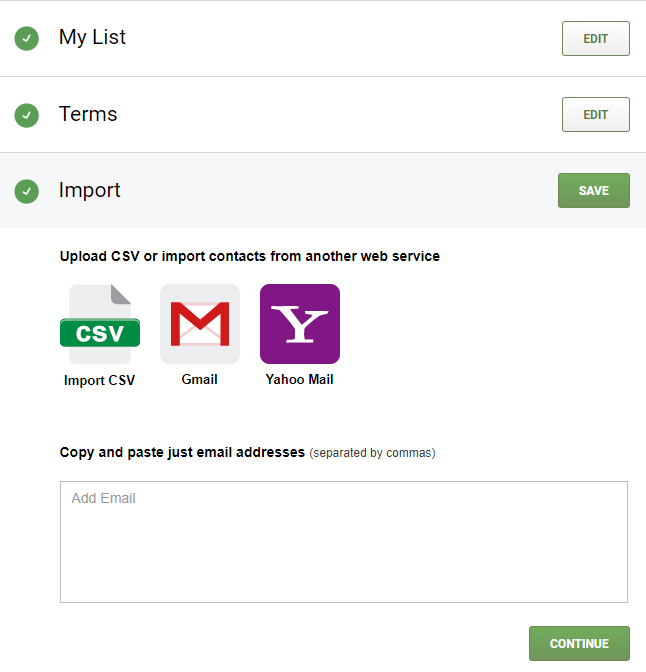
- Prepare your list. The list must be in CSV format, or imported from Gmail or Yahoo mail.
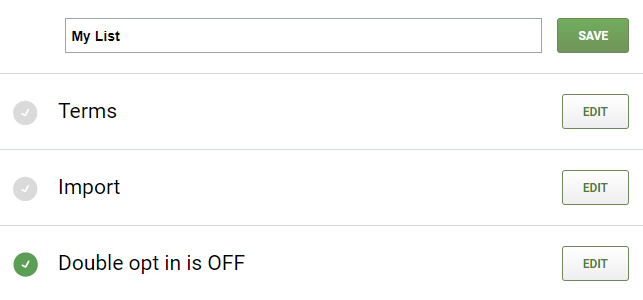
- Name the list. This will help you distinguish between other lists on your Pathway Contacts page.
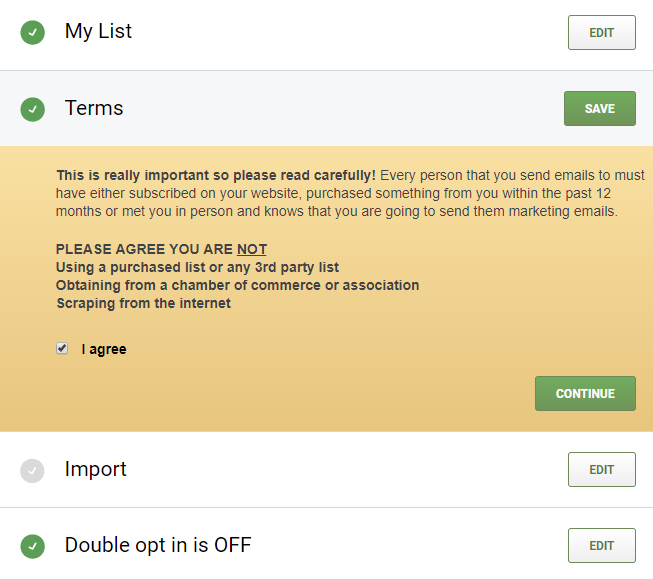
- Next, agree to the Terms.
- Upload your CSV list
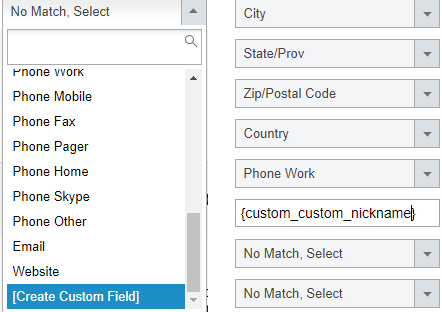
- Match the columns in your original list to create custom merge tags.
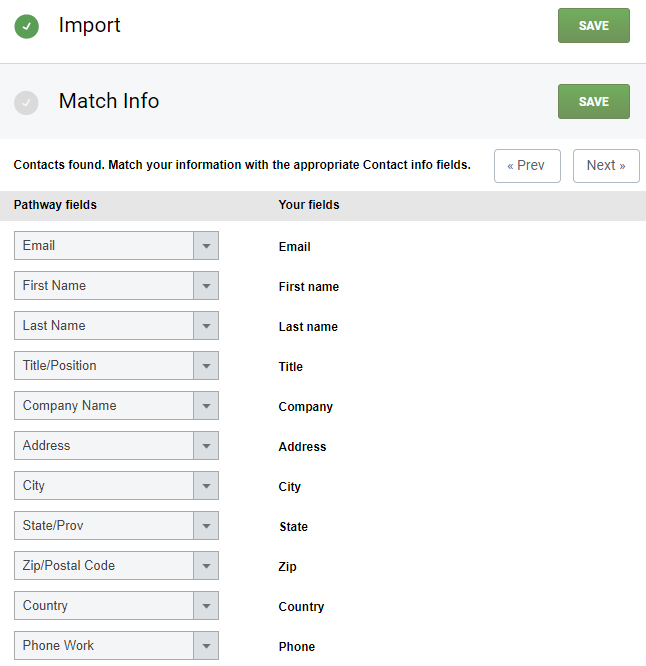
- To match the information, sometimes you will have to create custom merge tags. Click on the drop-down menu, scroll all the way down, and select [Create Custom Field]. Then, formulate the new merge tag like this {custom_custom_mergetag}, replacing the word "mergetag" with the word of your choice.
Lastly, choose whether you'd like to turn on Double Opt In and click Save to finish.
Depending on the number of contacts in your contact list, your list may take a few minutes or a few hours to upload. The more contacts you have, the longer it will take for your contact list to upload.
When your list is done uploading, you will receive an email confirming that it's ready, so you do not have to wait for your list to complete uploading.