How do I create a Website Lightbox Sign-Up Form?
- In your Contacts page, create a new list for this form specifically
- Click the Sign-Up Form icon located in the left navigation panel and then click Add Sign-Up Form
- In the Contact List drop-down, select your list
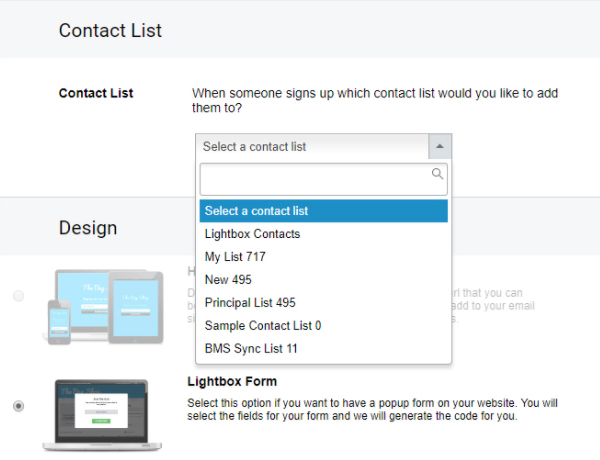
- Click Save and go forward to design the sign-up form
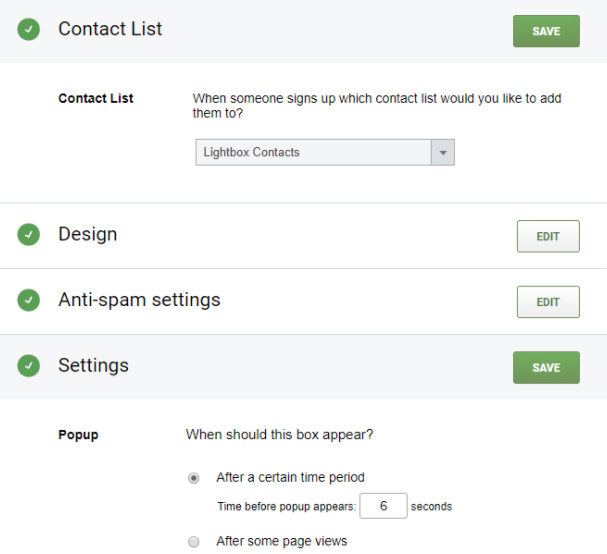
- After you are done with the design, go through the rest of the steps. In Settings, set up the parameters for your sign-up form.
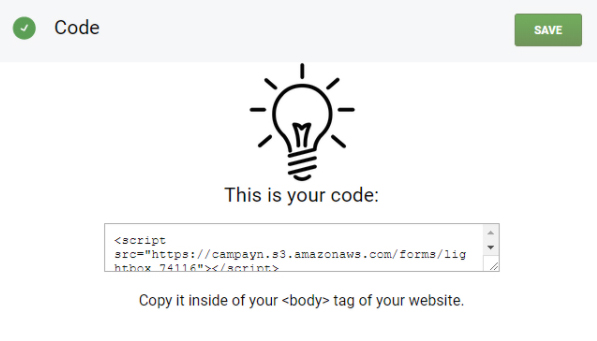
- Paste the code into the <body> portion of your website
Can't find what you're looking for?
Contact us